SmartCue

Changelog archive

Older updates, from 2023 and 2024, are kept here as they were published. For what's new now, see the changelog.

Product Updates - August

🚀 New Features

Global Settings 🌍

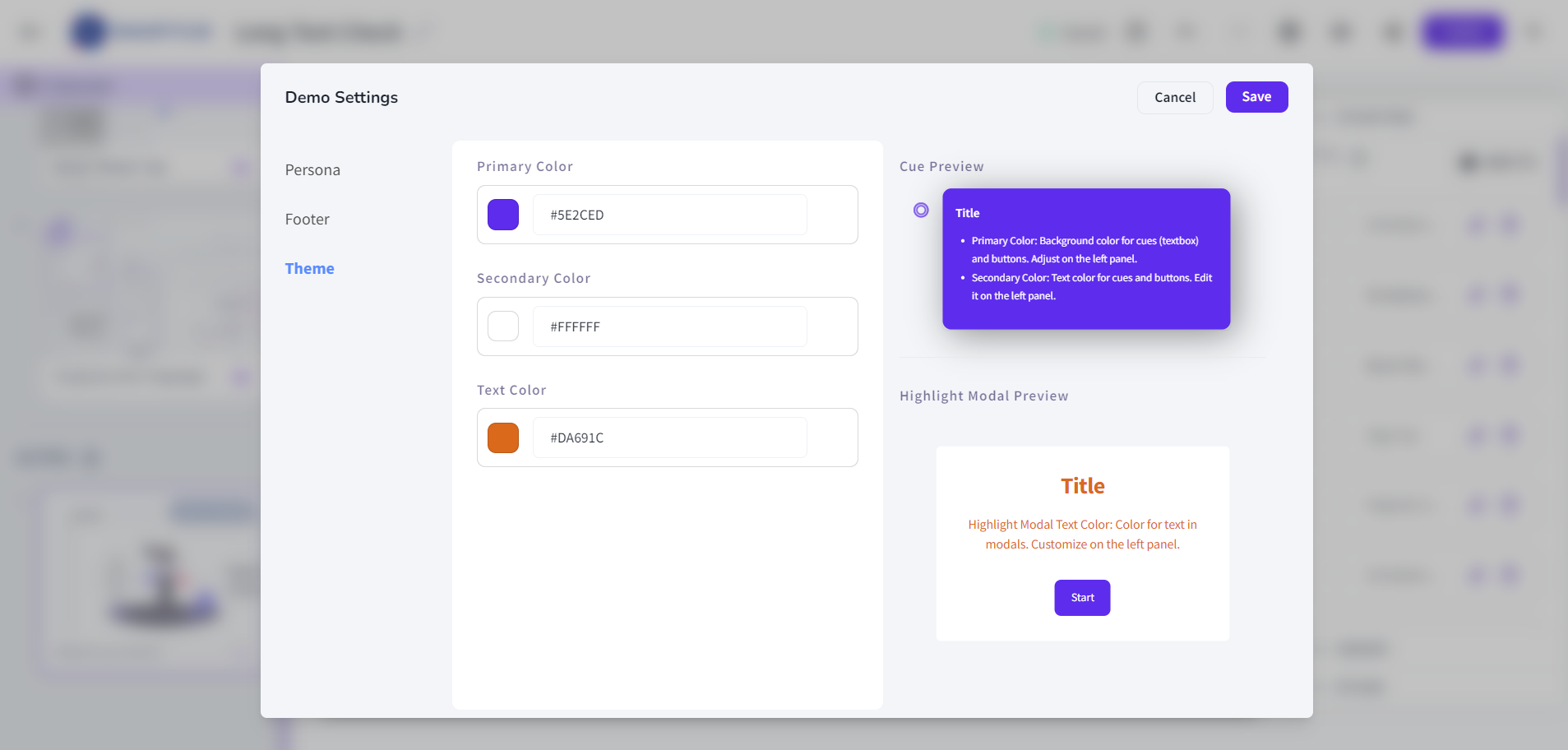
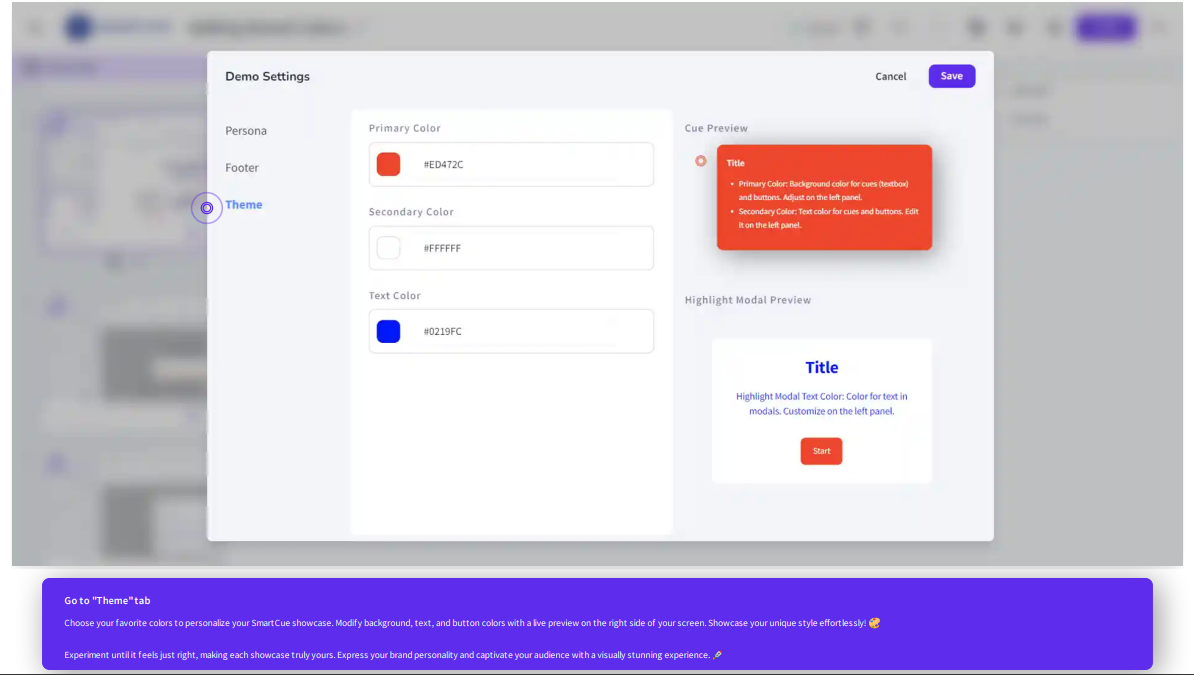
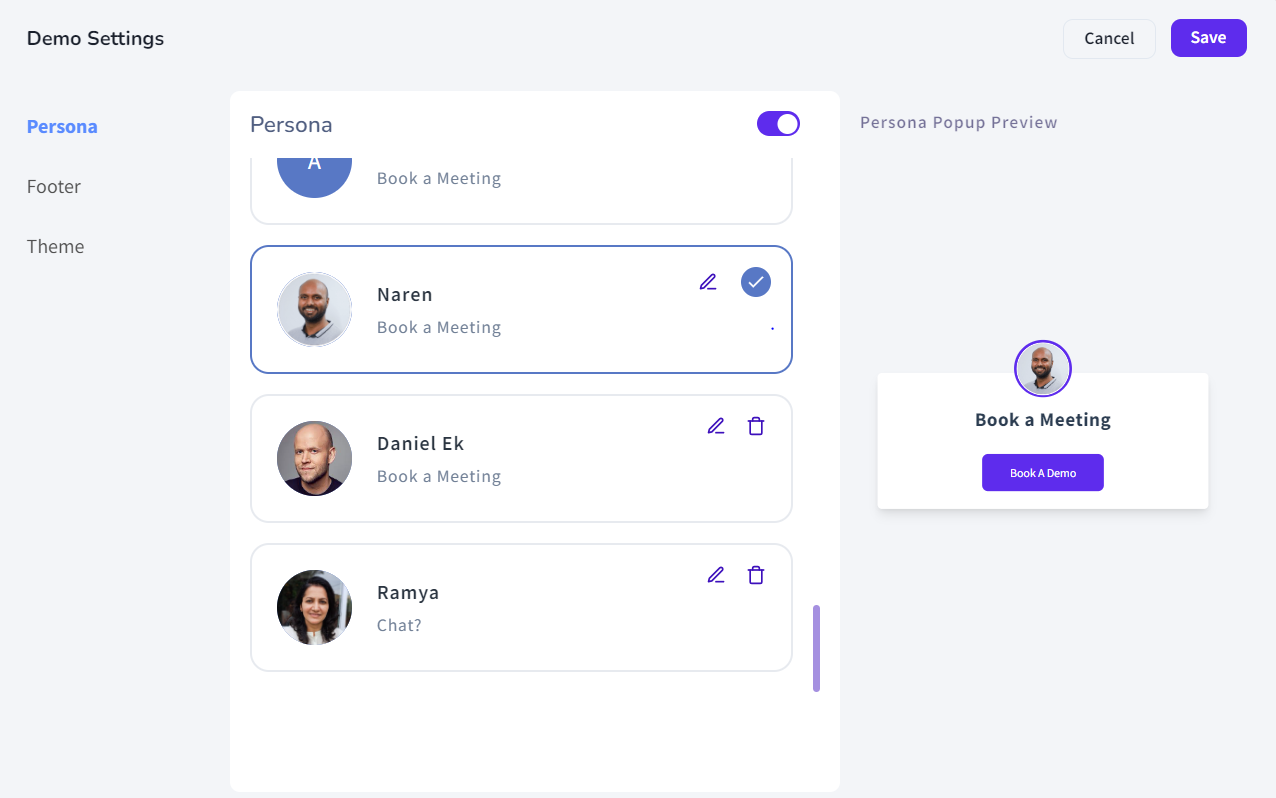
You can now set a global persona, theme, and footer for your organization. These settings will automatically apply to all new showcases, so you don’t have to configure them individually.

Check out the detailed guide!

Optional Title & Description ✏️

Adding a title, description, or both to your cues is now optional. You can choose what text to include or simply display a hotspot without any textbox.

Here’s how it works.

Enhancements

  • Auto Copy Showcase Link 🔗: Whenever you update email gating settings, the showcase link will automatically be copied to your clipboard. Super convenient!
  • Folder-Specific Showcases 🗂️: Now, when you create a new showcase while inside a folder, it will appear in that folder and in All Showcases. No more manual moves!
  • Longer Titles 📝: We’ve increased the character limit for showcase titles to 250 characters, so you can get more descriptive.

Bug Fixes

  • Video Export Issue 🎥: Fixed a bug where video exports failed when autoplay was enabled.
  • GIF Export Issue 🖼️: Large showcases (100+ highlights) were causing GIF exports to fail. This has been resolved.
  • Export Without Cue Text 📄: Showcases without cue text were causing export failures. This is now fixed.
  • Intro Highlight Title Bug 🖼️: When replacing an intro highlight image, the title was being replaced by the image file name. This issue is now resolved.

Product Updates- July

🚀 New Features

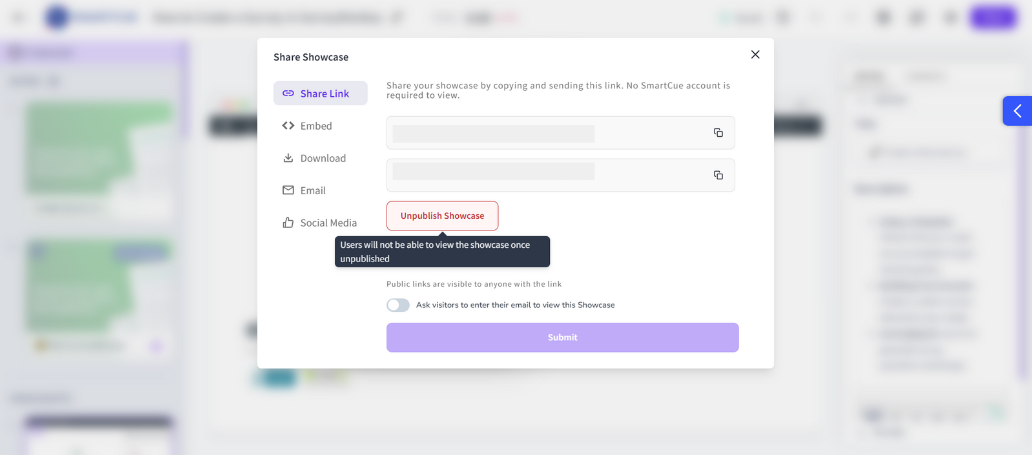
🔓 Unpublish a Showcase

Now you can unpublish your showcase anytime. Once unpublished, it cannot be shared until it's published again, giving you more control over your content.

Unpublish a Showcase under Share Modal

✨ Enhancements

🔄 Updated Top Bar in Builder

We've improved the top bar in the builder to eliminate confusion caused by separate publish and save buttons. Now, the publish and share options are grouped together. You can only share a showcase after it has been published.

🖼️ Improve Upload Images

We've enhanced the backend to improve image upload quality, resolving issues with blurry and pixelated images.

🔍 More Powerful Search Bar in Dashboard

The search bar is now more robust. You can search for a showcase by name, unique ID, or the persona who created it. These searches are now case-insensitive.

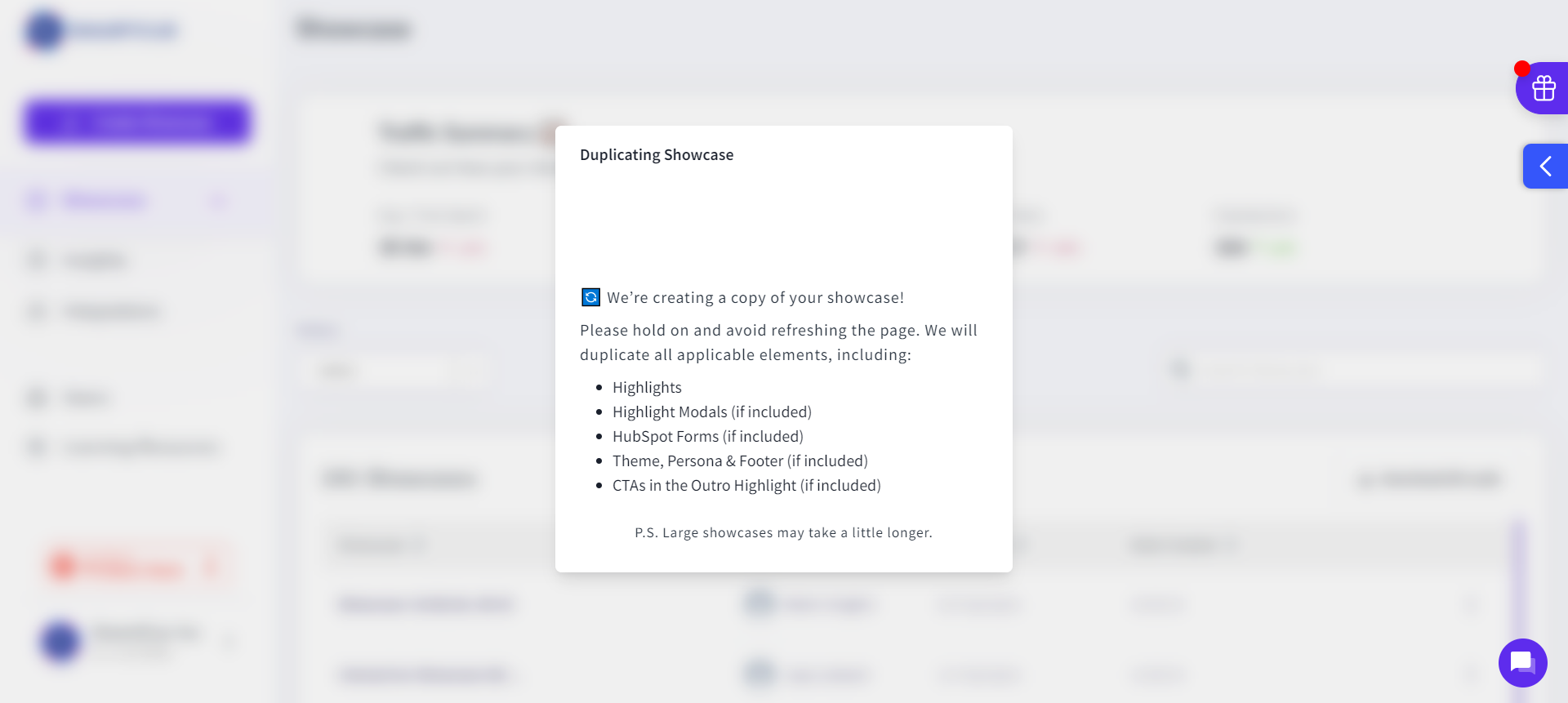
📋 Improved Duplication Modal Text

We've updated the modal text when duplicating a showcase to provide better clarity on what will be duplicated.

📩 Streamlined Publishing Feedback

We've enhanced the user experience by removing simultaneous multiple toast messages. Now, only the relevant message will be displayed when you publish a showcase.

🗂️ Organized Image Uploads:

Images you manually upload will now retain the order in which they were selected, instead of getting jumbled.

⚡ Optimized Builder Code

We've optimized the builder code to make it faster and more efficient.

💬 Expanded Commenting Capabilities

Collaborators can now comment on text boxes, outro highlights, and modals, in addition to highlights..

📧 Expanded Invite Permissions

Editors can now invite guests to a showcase, expanding collaboration opportunities.

🐞 Bug Fixes

  1. Autosave Issue Resolved: Fixed the issue where showcases created before the launch of the Autosave feature got scrambled.
  2. Random Error Messages: Addressed the issue of random error messages like "Please Try Again" or "Something Unexpected Happened."
  3. Lead Display Issue: Fixed the bug where leads were not displaying correctly on the Insights page.
  4. Builder Save Issue: Resolved the problem where the builder showed an unsaved status, and in some cases, user-entered context disappeared while saving.
  5. Improved Magic Link Experience: Viewers and editors now land directly on the showcase when joining via an email invitation.
  6. HubSpot Form Duplication: HubSpot forms in a showcase now get duplicated correctly when the showcase is duplicated.
  7. Restrict Export of Unpublished Showcases: We've fixed the issue where exporting unpublished showcases from the dashboard created erroneous outputs.

Product Updates- June

🌟 New Feature

Autoplay for Showcases🔁

You can now autoplay your showcases without manually switching highlights. Set a manual or auto timer, or even loop your showcases seamlessly.

Discover How

 ✨Enhancements

Improved Onboarding Experience

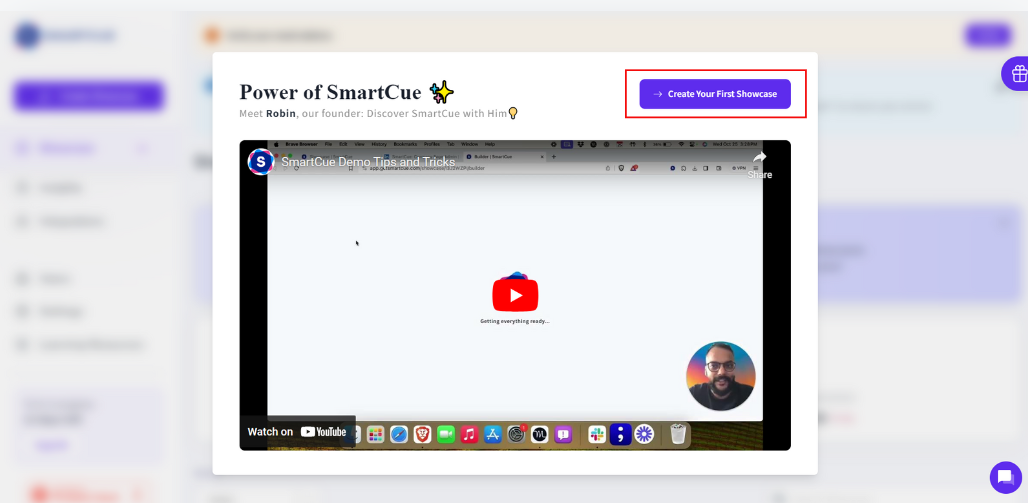
You can now skip the onboarding process if needed. The "Create Your First Showcase" button is more prominent, guiding you on what to do next.

Create Your First Showcase

Updated Terms and Conditions & Privacy Policy

We've refreshed our terms and privacy policy to better align with our services. Make sure to review the changes!

🐞 Bug Fixes

  1. Pagination Issue: Fixed incorrect page numbers displaying in the dashboard and folders.
  2. Search Bar: Resolved the issue where the search bar was broken, allowing users to easily search for showcases now.
  3. PDF Exports: Addressed the problem where PDF exports would exceed 100% and fail to download.
  4. Highlight Modal: Fixed the bug causing the highlight modal to disappear for some users.
  5. Discard Button: Corrected the issue where hitting "Discard" also removed all comments on the showcase, thanks to API updates.

Product Updates - May

🌟 New Feature

Showcase Commenting and Collaboration 💬

Introducing Seamless Collaboration: Gather feedback and collaborate effortlessly within SmartCue showcases, eliminating the need for external platforms or screenshot sharing.

Access Control by User Roles:

Guests: View and comment on specific showcases shared with them.

Viewers: View and comment on all showcases within the organization.

Editors: View, comment on all showcases, and access the builder.

Ready to enhance your collaboration process? Check out our detailed article for helpful tips, and click below for a quick guide on how to get started.

Discover How

Enhancements ✨

A Fresh Look at Share Modal 🎨

We made it easier for you to share your work with others - both internal and external! ✨

👀 Take a Glimpse

Product Updates - April

🌟 New Feature

Email Collection 📧 & Access Control 🔒

Capture emails and leads while controlling access via password, specific domains, and emails for your showcases.

Learn More

🎨 Enhancements

  • Audit Logs: 📝 Enhanced audit logs to provide better visibility and tracking of organizational activities.

🐞 Bug Squashes

  • Fixed issue where clicking on an embedded showcase opened in a new tab instead of the same tab.
  • Resolved problem where copying 📋 the showcase link while previewing did not function.
  • Fixed issue where CTAs in outro highlight and footer were not duplicated on duplicating a showcase.
  • Fixed display bug where SmartCue logo appeared despite organization logo being added in showcase preview.
  • Corrected issue where creating a new showcase via manual upload resulted in an extra highlight being created.

Product Updates - March

🎨 Enhancements

  • Streamlined Login Experience 🚪You can now automatically return to your last active organization upon logging in, simplifying the process and reducing confusion. 🚪
  • You can now automatically return to your last active organization upon logging in, simplifying the process and reducing confusion. 🚪
  • Streamlined Highlight Creation 📸Optimized performance with a new limit of up to 5 images per highlight creation, ensuring a smoother user experience. ✨
  • Optimized performance with a new limit of up to 5 images per highlight creation, ensuring a smoother user experience. ✨
  • Enhanced Bulk Deletion 🗑️Stay secure while cleaning up! Receive a confirmation message when deleting multiple steps, preventing accidental deletions and ensuring peace of mind. 🔒
  • Stay secure while cleaning up! Receive a confirmation message when deleting multiple steps, preventing accidental deletions and ensuring peace of mind. 🔒
  • Simplified Email Gating Flow 📧Access showcases with ease! Our improved email gating flow now requires fewer steps after submitting your email, making the process faster and simpler. 📩
  • Access showcases with ease! Our improved email gating flow now requires fewer steps after submitting your email, making the process faster and simpler. 📩

🐞 Bug Squashes

  • Resolved extension error for capturing 100+ highlights 🐞
  • Fixed missing intro modal issue during showcase export 🚀
  • Highlights sorting order corrected to prevent scrambling 🔍
  • Users can now smoothly return to the first highlight during showcase previews ↩️
  • Hubspot button visibility enhanced; no more scrolling needed to submit details. 📎
  • CTA editing and addition functionality restored for users encountering issues.
  • Internet connection error messages resolved for uninterrupted user experience 🚫

Product Updates - February

🌟 New Features

🔑 Enhanced Privacy: Email Gating!

  • Safeguard your showcases with passcodes or share them selectively with specific emails/domains for added privacy.

See It In Action

🗂️ Showcase Organization Made Simple!

  • Easily manage your showcases by organizing them into folders, ensuring quick access and efficient workflow.

See How

🎨 Enhancements

Share the SmartCue Love! 💌

  • Introducing our new landing page feature, making it easier than ever to refer friends to SmartCue. Start spreading the word now!

Refer Now 🚀

🐞 Bug Squashes

  • HubSpot Bugs- Resolved issues with forms being cut off in mobile view and form title not updating in showcase preview.
  • Thumbnail and preview image mismatch resolved when duplicating or replacing showcases.

Product Updates - January

🌟 New Features

Capture Leads with HubSpot 🚀

  • Enhance your SmartCue showcases by seamlessly embedding HubSpot Forms. Transform viewer engagement into valuable leads effortlessly.

See It In Action

🎨 Enhancements

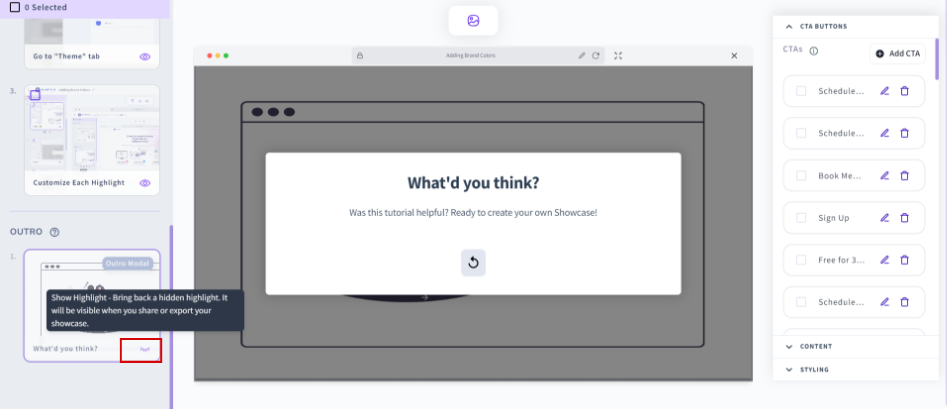
Hide Outro Highlights 🕶️

  • Conceal your outros effortlessly! Choose not to display outros/CTAs with this new feature.

Embed Optimization 🚀

  • Boosted performance for showcases embedded on websites. Experience seamless embedding!

Theme Preview 🎨

  • Witness real-time color changes under the Theme tab. Customize with confidence!

Text Visibility 📜

  • Say goodbye to text cutoffs in PDFs, videos, and GIFs. Now, view lengthy text in the bottom bar. Read without limits!

🐞 Bug Squashes

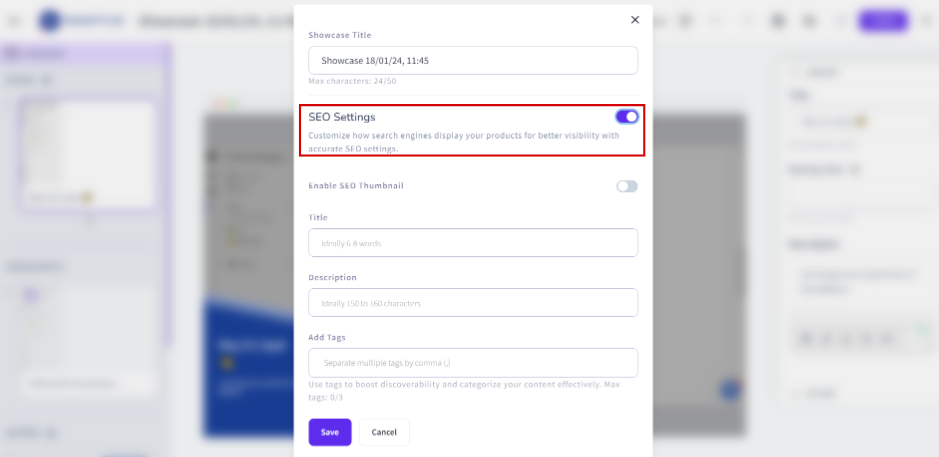
  • Fixed a glitch with SEO settings causing the viewer title to reset.
  • Resolved mobile view issues with showcases not displaying on button click.

Product Updates - November <> December

🌟 New Features

SEO Tailored for You 🎯

  • Set SEO titles, descriptions, and tags for your showcase and see your website shine in Google's algo! Just click on the Title on the top left 😉

Multi-select highlights

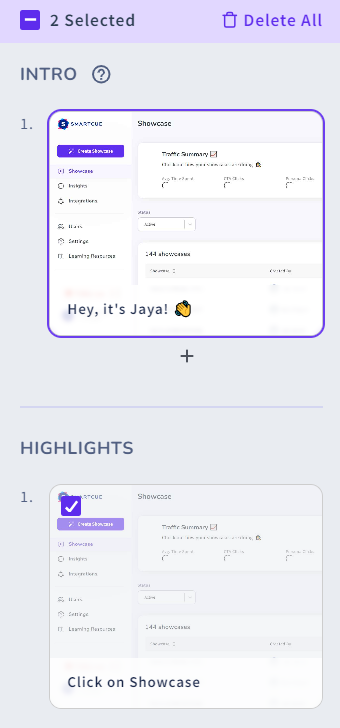
  • No more having to delete highlights one-by-one. Select a bunch and hit delete. Done!

Improved Embedding ⚡️

  • Showcases load faster when embedded. You can see the difference for yourself using Page Speed Insights on Google!

Effortless Editing with Autosave 🔄

  • Don't worry anymore about losing your hard work! Autosave ensures your builder changes are preserved without lifting a finger.

One-Tap Reset with Discard🗑️

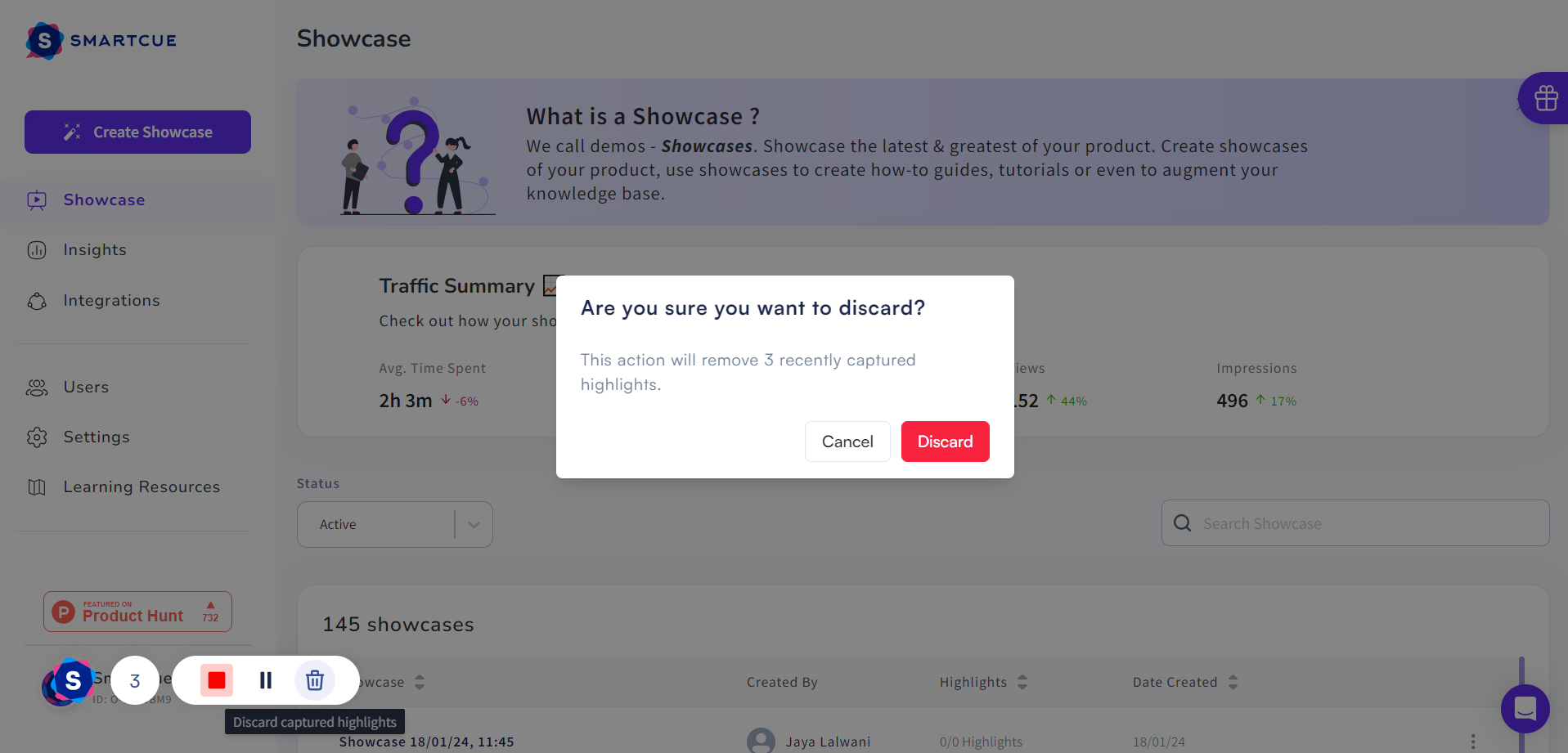
  • Hit the discard button for instant highlights reset. Capture, discard, and continue your showcase effortlessly without leaving your flow.

Refer & Earn 🎉

  • Unlock rewards of $1000+ by inviting colleagues and peers. Your unique referral link is ready. Just click on the 🎁 icon and you'll find your link! 🙌

Watch in Action

Your Showcase, Your Formats 🚀

  • Transform your showcases! Export in PDFs, videos, and gifs to share your magic in multiple formats.

See it in Action

SmartCue Learning Hub 📚

  • Explore interactive guides on how to use SmartCue for a seamless and efficient experience.

Onboard with Ease 🌊

  • Embark on your journey effortlessly with our redesigned onboarding flow – designed for you, with you in mind.

🎨 Enhancements

Pocket-Friendly Perfection 🌈

  • Your mobile experience just got an upgrade – smoother, faster, and optimized for pure joy!

Easy Moves, Clear Blur! 🌟

  • We flipped Move and Blur for simpler editing. Try it out and see!

Export Enhancements ✨

  • Get export status emails and access showcases directly from your inbox 📧– no more waiting!
  • Download GIFs directly to your device for quick and easy access.
  • Keep track with a progress bar for reliable knowledge of the export process, complete with real-time updates 🕐.
  • Now, cancel downloading 🚫 exports anytime, anywhere – putting you in control of your export experience.

Simplified Sharing, Exporting, and Publishing UI 🎨

  • Revamped the user interface for Share, Export, and Publish features, making them more user-friendly and intuitive. Experience a fresh look for smoother navigation!🚀🖌️

Introducing 'Alt Text' for highlight images 📸

  • When images don't load, enjoy clarity with descriptive alternative text for a seamless experience.🖼️

Product Updates - September <> October

🌟 New Features

Global CTAs and Personas🌍

  • Create them once, and use them everywhere. Delete one, and it's gone from all related showcases.

Zoom & Scroll Organization Logo📷

  • Get the perfect placement! Now, effortlessly zoom and reposition your organization logo with ease.

Watch here

Paragraph Breaks in Textbox 📝

  • Enhance readability! Introduce paragraph breaks in your text descriptions for better content structuring.

🎨 Enhancements

Simplified Outro CTA Creation 🚀

  • Now, just provide the button label, not the title, when adding a new CTA to your outro highlights. Streamline the process for a smoother experience.

Enhanced Actions Experience 🚀

  • We've revamped the action bar placement making it easier and more convenient to access essential options like edit and delete highlights, and replace images. Enjoy a more user-friendly experience at the center!

See in Action

Swift Google Sign-Up

  • Experience a smoother and faster Google sign-up process. It's quicker than ever before!

🐞 Bug Squashes

  • Color Picker Quirk: Selecting colors isn't as smooth as it should be.
  • Ownership Transfer Prompt: Viewer role no longer triggers unnecessary ownership transfer requests.
  • Image Inconsistency: Thumbnails and Center panel images are out of sync.
  • Image Compression Bug: Highlights display compressed images as PNG instead of WebP.
  • Billing Inbox Issue: Billing emails now consistently land in your inbox.
  • Footer Text Bug: The SmartCue logo doesn't appear when the footer is empty.
  • Edit Modal Anomalies: The edit modal experiences blurriness and shortcut issues.
  • Missing Color Palette: The color palette mysteriously vanished from the Theme section.
  • Tooltip Trouble: Tooltips linger when users move away from options in the edit modal.
  • Image Replacement Glitch: Users are unable to replace highlight images in the builder.
  • Pricing Plan Discrepancy: A mismatch in pricing plans between the Homepage and Settings page for logged-in users.

Product Updates- July <> August

🌟 New Features

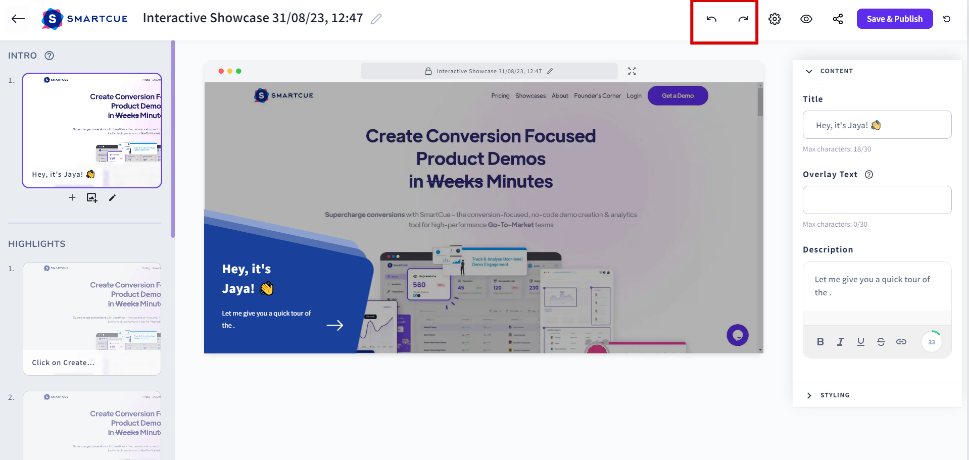
Undo & Redo Magic 🪄:

  • Say oops and fix it! Undo or redo up to 5 actions using the buttons or by pressing Ctrl+Z and Ctrl+Shift+Z.

Mobile UI Glow-up 📱:

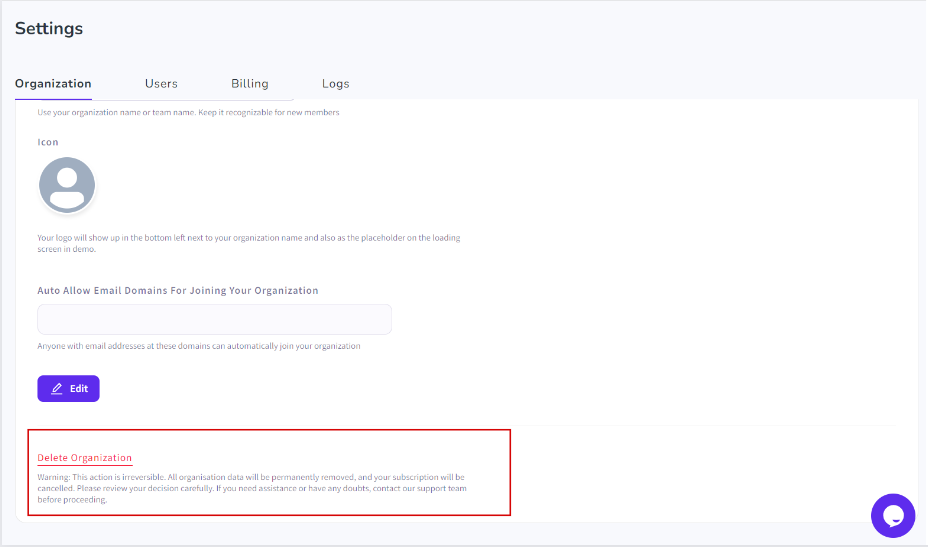
  • Our mobile experience just got a facelift. Stay tuned, we're not done impressing you yet!​3. "Delete Organization" functionality is now present in the organization tab

Organize Organizations 🏢:

  • Delete Organization: Boot out those old and unwanted organizations right from the Settings tab.
  • Join Organization: Get prompted to join based on your domain. Admins can toggle the auto-join feature.​

🎨 Enhancements

Showcase Navigation 🖱️:

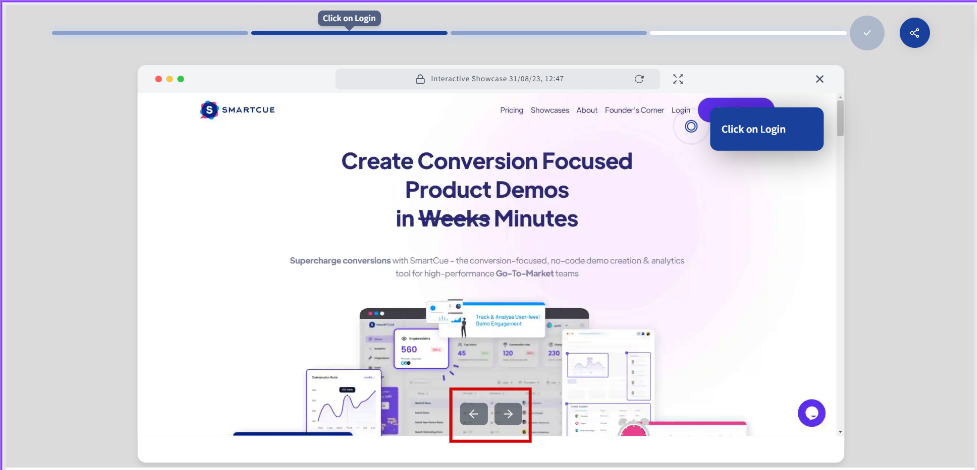
  • Slide through highlights using forward/backward arrows, hotspots, or even your keyboard!

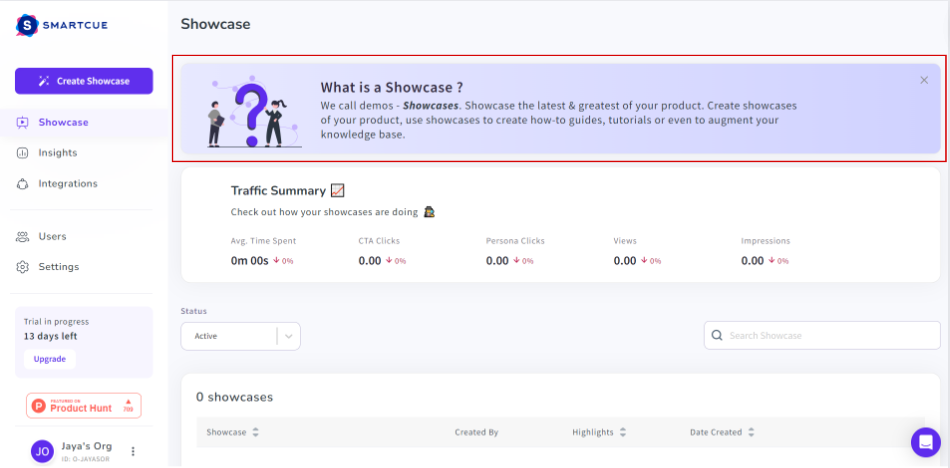
"What is Showcase?" Tooltip 🤔:

  • Curious about showcases? Get educated with our friendly banner (which you can dismiss anytime).

Neat & Tidy Lists 📋:

  • We’ve lined things up for a cleaner look!

Highlight Placement ✨:

  • Add a highlight right where you want it. No more scrolling surprises!

🐞 Bug Squashes

  • Role Limit Loophole: Can't sneakily change roles to get unlimited Editors anymore!
  • Outro Highlight Overflow: The Right Editing Panel is back in its place.
  • Typo in Embed Code: Bye-bye missing spaces and " ".
  • Intro & Outro Descriptions: Create showcases with screenshots and then update them with ease.
  • Embedded Demo Exit: Escape! Just hit the escape key to exit.
  • Testimonial Text on Loader: Sign in without distractions.
  • Image Blur Quality: No more pixelated images after blurring. Stay sharp!
  • Adding Highlights after a Form: The + button is back in action.
  • Edit Image Button: It's not playing hide and seek anymore.
  • Share Button on Showcase: Sharing is caring and now easier than ever.
  • SmartCue Extension Loading: Immediate loading for smoother experiences.
  • Persona Designation Display: It won't show if you remove the input field.
  • CTA Label Update: Clearer instructions with "Create New Organization".
  • Website Embedding Whitespace: No more embedding issues due to those pesky spaces.

Product Updates- June

Enhancements

  • Made it easier for first time users to navigate the product by highlighting key actions and reducing clicks needed to get started.
  • Improved the experience of actions under intro, highlight and outro slides by standardizing icons and behavior across all slide types.
  • Brought consistency to the menu by showing all options but disabling irrelevant ones to streamline the options for each slide type.
  • Explained why menu options are grayed out when a user hovers over them with a tooltip to reduce confusion.
  • Ensured actions under slides are organized consistently from left to right for a predictable user experience.
  • Added 2 more CTAs - phone number and email to provide more click-to-action options for customers.
  • Made 'Description' and 'CTA' in persona section optional and added tooltips to clarify their purpose.
  • Added a dismissable tooltip at the top of the Showcase page explaining what Showcases are for new users.
  • Implemented a referral program to help customers grow by word-of-mouth.

Bug Fixes

  • Fixed incorrect average time shown in Analytics which was not calculating accurately.
  • Resolved an issue allowing unlimited editors despite user plan restrictions by capping editor roles per plan.
  • Fixed the overflowing right panel on the Outro with sections not visible, aligning and resizing for a consistent view.